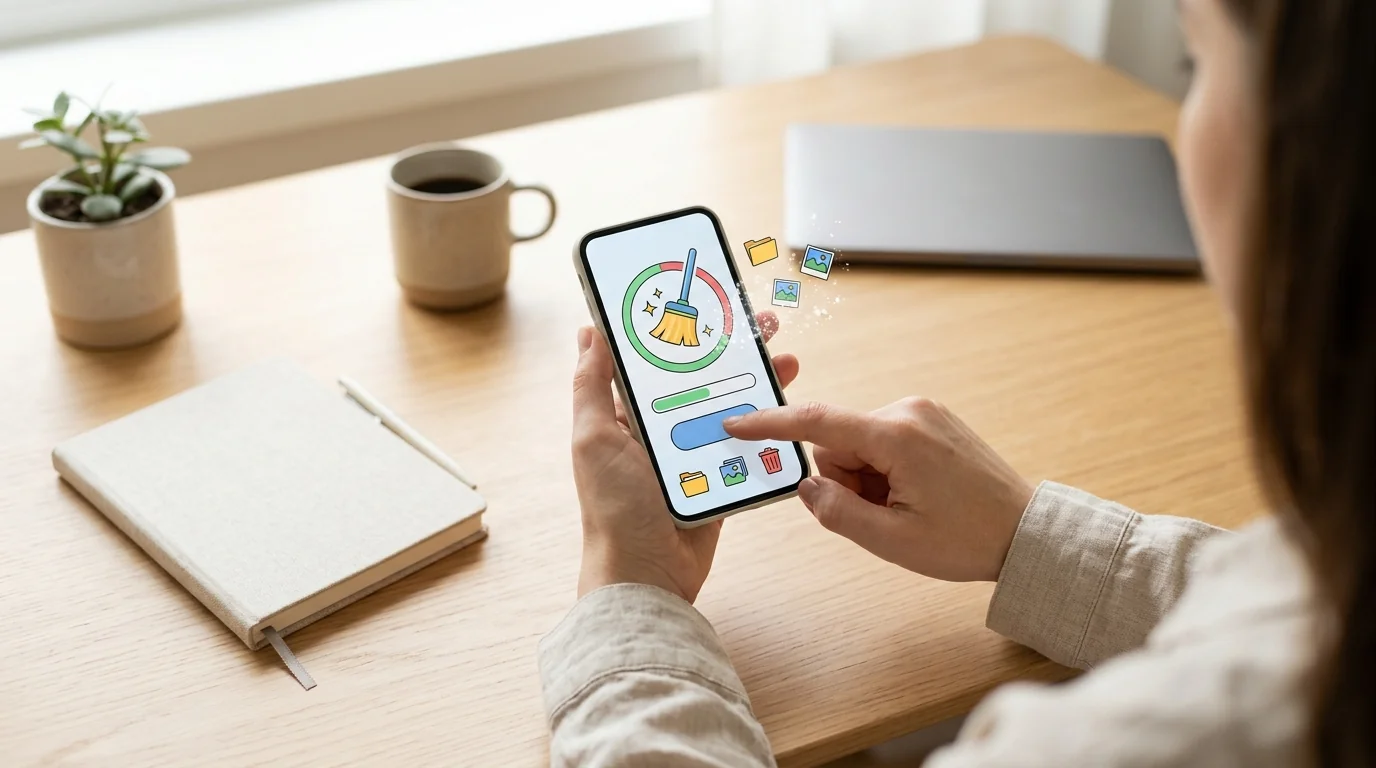
Figuring out what to do with an old phone beats letting it rot in a drawer for three years. That retired device in your nightstand still has a great camera, a sharp screen, and Wi-Fi, which makes it useful for a dozen jobs. I repurposed my old Pixel as a security camera last spring and it works beautifully. Here are 12 ideas worth trying.
1. Turn It Into a Free Security Camera
Your old phone’s camera beats most budget security cameras, so put it to work. Apps like Alfred turn any phone into a motion-detecting camera you can watch live from your current phone. Prop it on a shelf facing your front door, plug in the charger, and you have 24/7 monitoring.
The free tier covers live viewing and motion alerts, plenty for watching pets or packages. Night vision will not match a real camera, but daytime coverage is surprisingly capable. I caught my dog napping on the couch within the first hour.
2. Make It a Dedicated Music Player
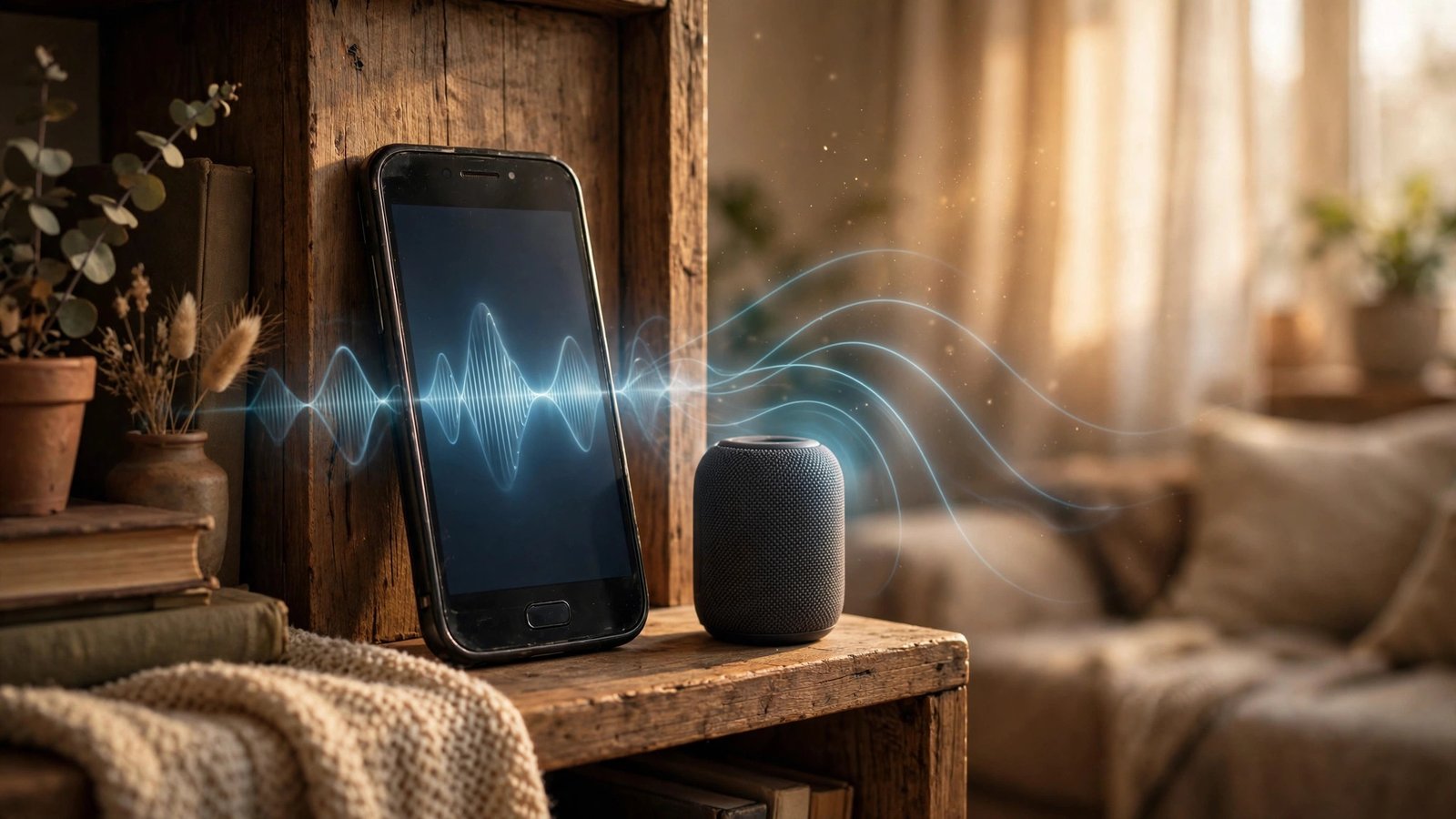
Streaming music drains your main phone’s battery fast, so offload the job to the old one. Load it with Spotify, YouTube Music, or your MP3 collection and pair it with a Bluetooth speaker. It becomes a jukebox that lives in one room permanently.
This works brilliantly in the garage, kitchen, or bathroom where you would never risk your expensive phone. Download playlists offline over Wi-Fi and you do not even need a SIM card. My old phone has lived on top of my bookshelf as a music station for two years.
3. Turn It Into a Digital Photo Frame
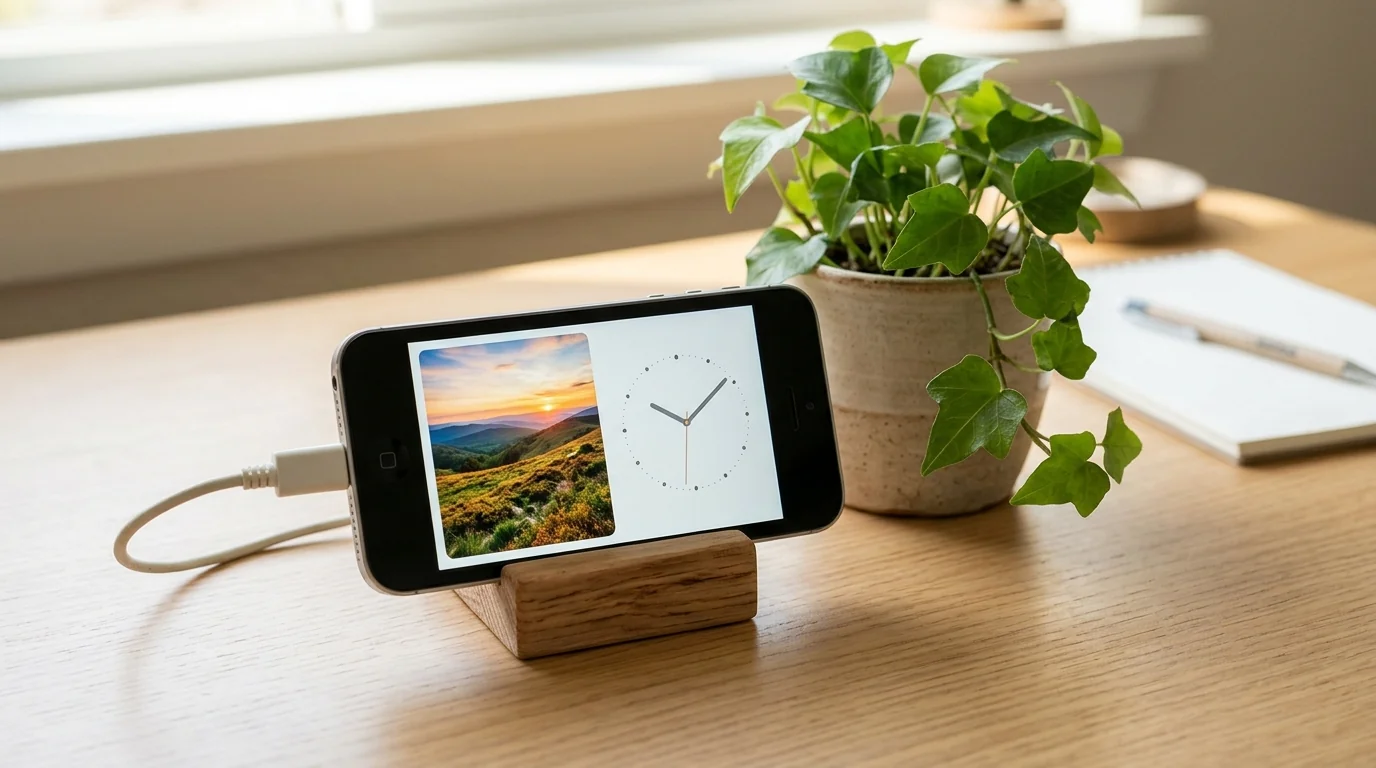
One of my favorite answers to what to do with an old phone is the digital photo frame trick. Apps like Fotoo pull pictures from Google Photos and cycle them as a slideshow. Set it on a cheap stand and it looks like a frame costing ten times more.
Pick a shared album so the whole family can add photos remotely and watch them appear. Keep brightness moderate and it can run all day on the charger without heating up. Guests always ask where I bought my “frame,” and they never believe it was free.
4. Use It as a Baby or Pet Monitor
A video call between your old phone and your current one makes a perfectly good baby monitor. Set the old phone in the nursery with the camera on, start a video call, and carry your main phone around the house. Many parents do exactly this instead of buying a dedicated monitor.
Dedicated apps add extras like crying detection and two-way audio if you want more than a basic call. Keep the old phone plugged in since video streaming eats battery. The picture quality beats most $50 monitors, and you already own everything you need.
5. Make It Your Kitchen Companion
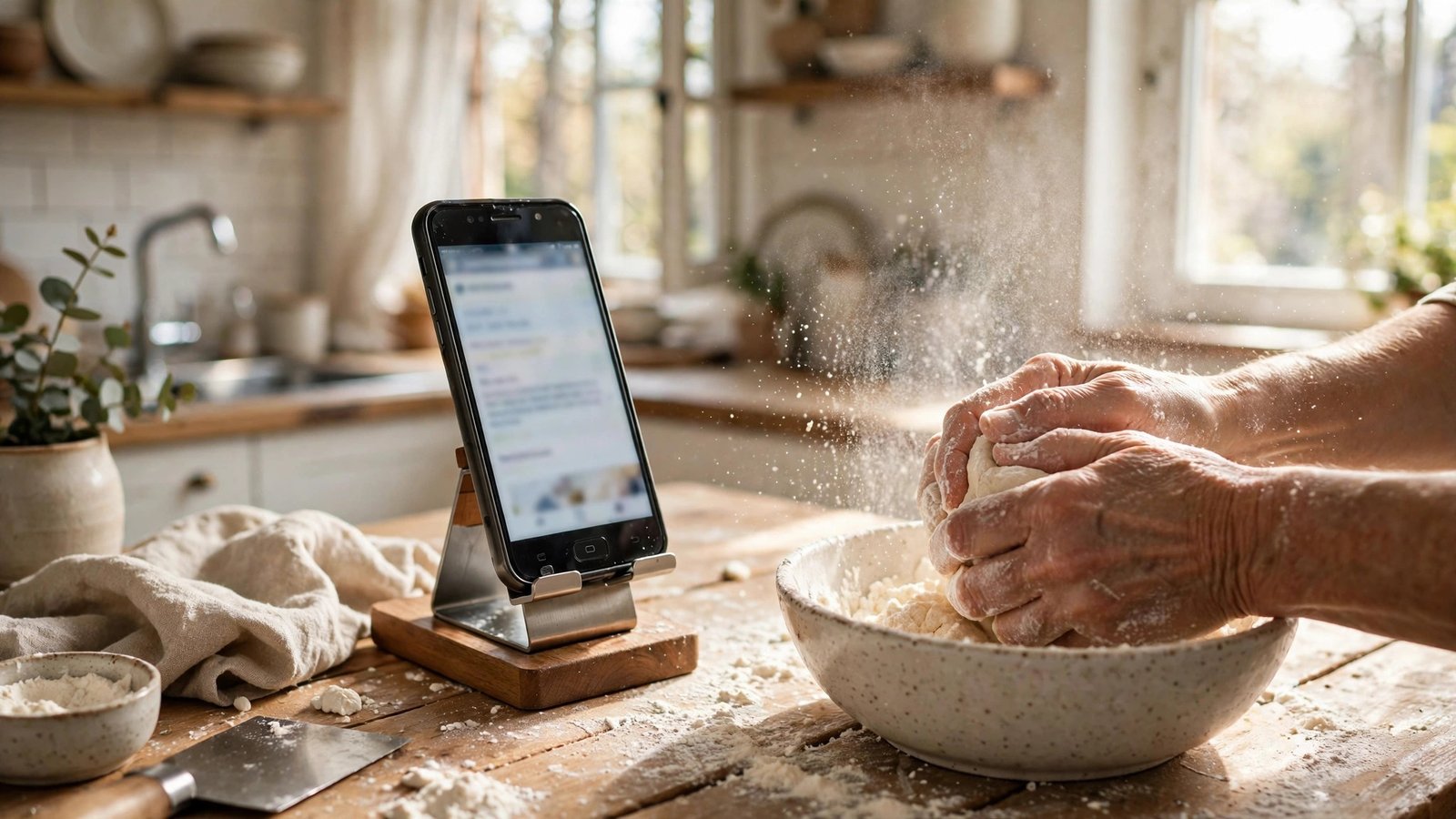
Cooking with your $1,000 phone next to splattering oil is stressful, so hand the job to the old one. Mount it under a cabinet or prop it on the counter for recipes, timers, and conversion charts. A quick wipe cleans it without any anxiety about damage.
Voice assistants still work fine on old phones, so you can set timers and convert measurements hands-free while kneading dough. Load a few cooking apps over Wi-Fi and it becomes a permanent kitchen fixture. Flour on a retired phone bothers nobody.
6. Turn It Into a Dedicated E-Reader
If your old phone has a decent screen, it makes a fine reading device for ebooks and articles. Install the Kindle app, Libby for free library books, or Pocket for saved articles. Reading on a separate device also kills the temptation to check social media mid-chapter.
Turn on dark mode and lower the brightness for comfortable night reading. The smaller screen is actually perfect for one-handed reading in bed. I keep mine on my nightstand loaded with library books, and it has survived three drops that would have given me a heart attack with my main phone.
7. Use It as a Smart Home Remote
Every smart home app still works on an old phone, making it a perfect universal remote for the living room. Install your smart bulb, thermostat, TV, and speaker apps in one place. Anyone in the house can grab it so guests cannot reach your personal phone.
Leave it on the coffee table in guided access or screen pinning mode so guests cannot wander into your messages. It also doubles as a dedicated controller for movie nights. One shared remote ends the eternal hunt for who has the TV app installed.
8. Make It a Permanent Car Companion
An old phone mounted on your dashboard handles navigation and music without touching your main phone. Google Maps and Waze run fine on older devices, and offline maps work with zero data connection. Your main phone stays in your pocket, fully charged and distraction-free.
Pair it to your car stereo over Bluetooth for music and calls through the old device. A $10 dashboard mount completes the setup. Since it never leaves the car, you will never again realize your navigator is sitting on the kitchen counter.
9. Turn It Into a Dedicated Alarm Clock
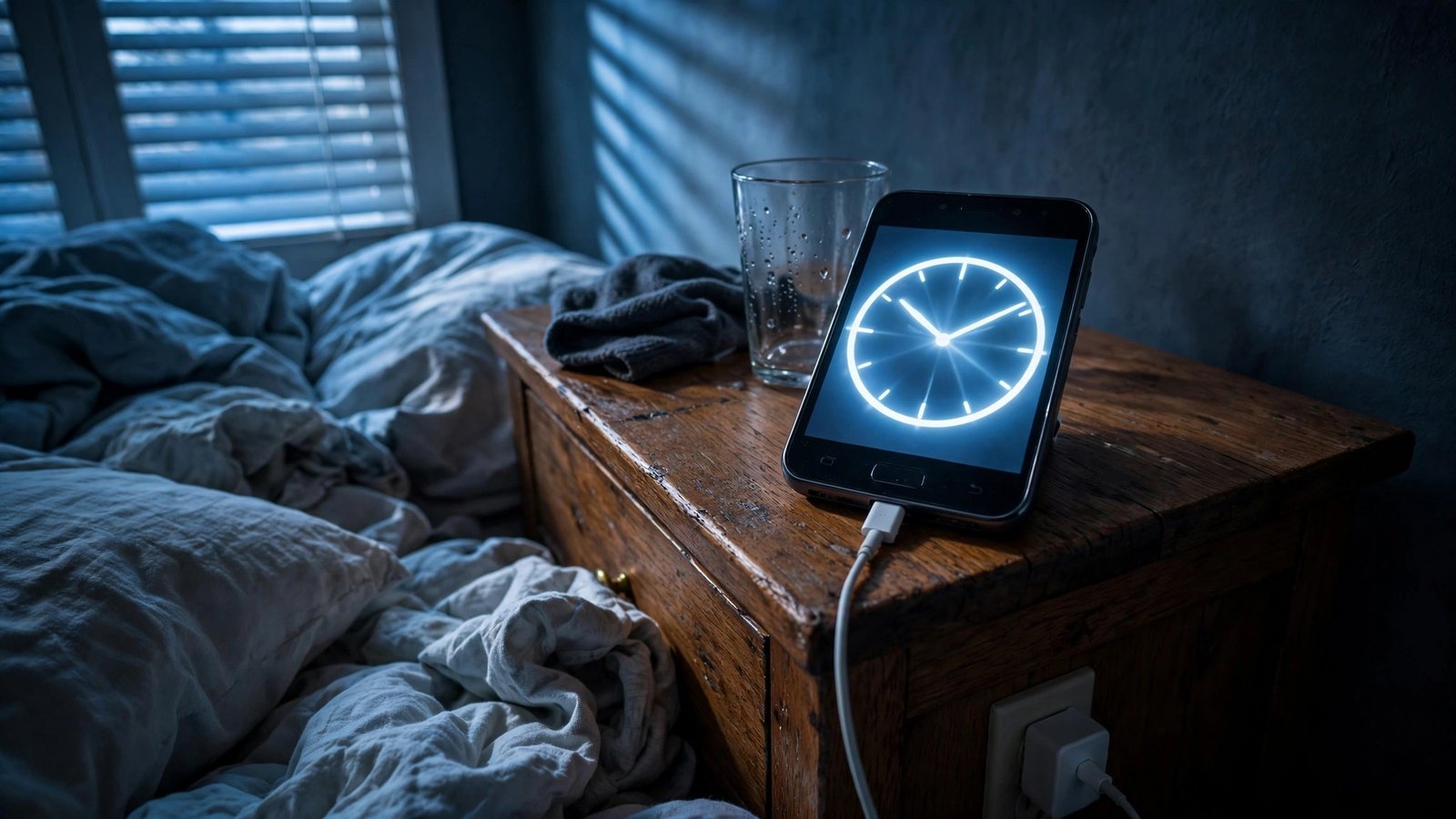
For anyone wondering what to do with an old phone that barely holds a charge, the alarm clock role is perfect since it stays plugged in. Set it on your nightstand with a big clock display app and your favorite alarm tones. It replaces the need to keep your main phone by the bed.
Side effect: your main phone can charge in another room overnight, ending late-night scrolling. The old phone handles alarms, white noise, and sleep tracking. My mornings got calmer the week I moved my real phone out of the bedroom.
10. Give It to Your Kids as a First Device
An old phone makes an ideal starter device for kids, with no SIM card and no phone bill attached. Load it with educational apps, ebooks, and offline games, then lock it down with parental controls. They get the fun of a real device with guardrails you control.
Both Android and iPhone offer robust parental controls: app limits, content filters, and bedtime lockdowns. If they crack the screen, you will shrug instead of cry. It is also the perfect trial run before you ever consider buying them a real phone.
11. Keep It as a Backup and Travel Phone
Everyone should own a backup phone, because main phones break, get stolen, or die at the worst moments. Keep the old one charged in a drawer with your essential apps logged in. When disaster strikes, you pop in your SIM or eSIM and you are back online in minutes.
It also shines as a travel phone for trips where you would rather not risk your expensive device. Load offline maps, translation apps, and boarding passes before you fly. If it gets lost or pickpocketed abroad, it stings far less than losing your daily driver.
12. What to Do With an Old Phone You Cannot Repurpose: Donate It
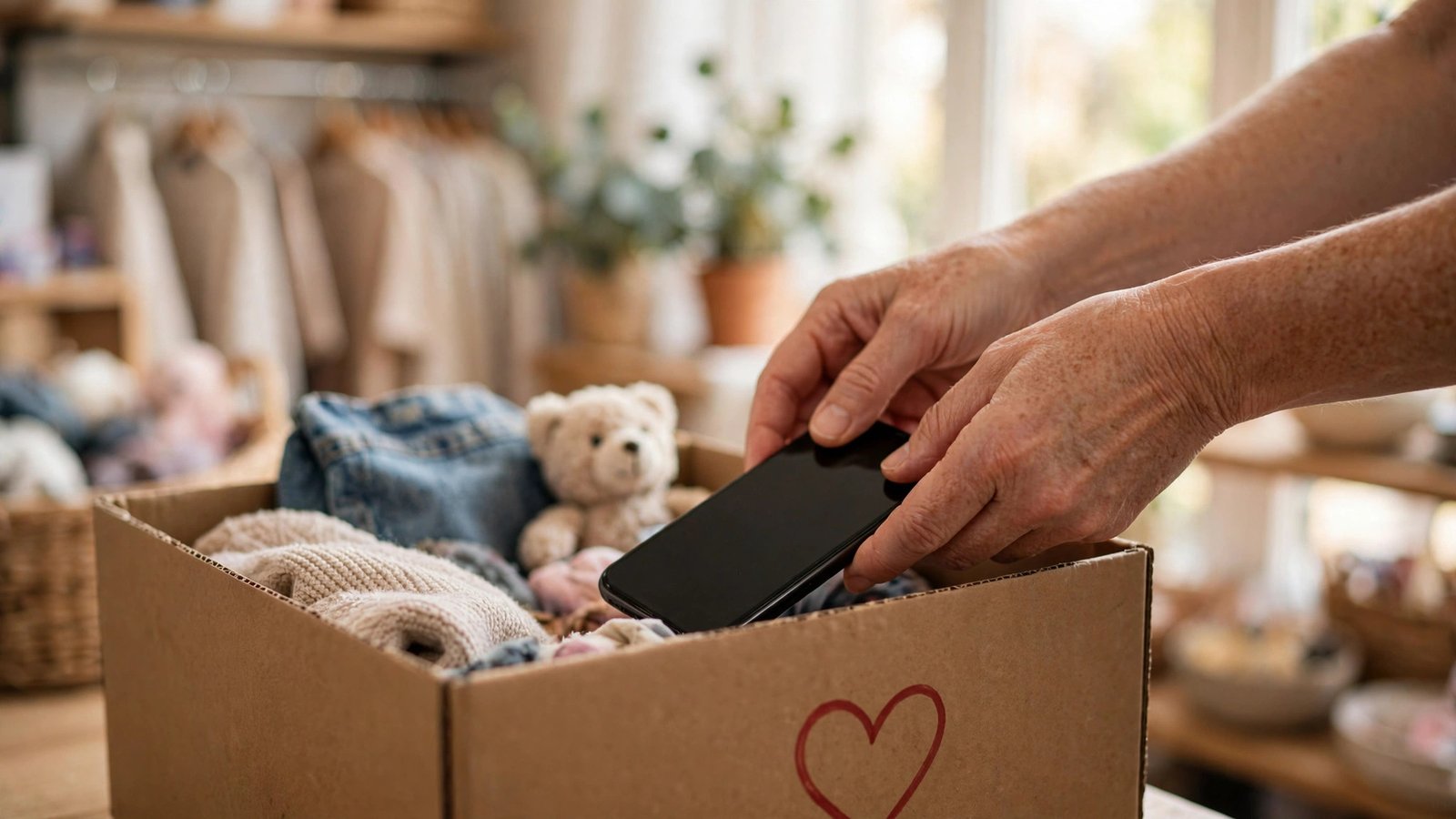
Sometimes the kindest answer to what to do with an old phone is giving it away. Charities refurbish old phones for domestic violence survivors, low-income families, and students who need them for school. A quick search finds local programs that accept working devices.
Before donating, back up anything you need, sign out of all accounts, and do a full factory reset. Remove the SIM and memory card too. Trade-in programs from Apple, Samsung, and carriers are another option if you would rather have store credit than good karma.
FAQs
Should I factory reset my old phone before repurposing it?
Yes, always. A fresh reset clears your personal data and often makes the phone run noticeably faster, which matters for its new job. Back up anything you want to keep first, then go to Settings and find the factory reset option. It takes ten minutes and gives the device a clean start.
Can I use an old phone without a SIM card?
Absolutely. Everything on this list works over Wi-Fi alone: cameras, music, ebooks, alarms, and smart home apps. Just skip the cellular setup during the reset and connect to Wi-Fi. Without a SIM, there is no bill, no carrier, and no reason it cannot serve you for years.
Will apps still work on a very old phone?
Mostly yes, with some limits. Core apps like browsers, music players, and cameras keep working fine. Very old phones may not run the newest versions of some apps, so check the app store before committing to a plan. For simple jobs like an alarm clock or photo frame, even a five-year-old phone is plenty.
Is it safe to reuse an old phone that no longer gets updates?
For offline or low-risk jobs like an alarm clock, photo frame, or music player, yes. Avoid banking or sensitive logins on a phone without security updates. Reusing it for simple tasks is still far smarter than tossing a working device in a drawer to die.
How do I wipe my phone properly before donating it?
Back up your photos and files, sign out of your Google or Apple account, remove the SIM and memory card, then run a factory reset from Settings. For extra peace of mind, encrypt the phone first if your settings offer it, then reset. The new owner gets a truly clean device.
Conclusion
That old phone is not junk, it is a free gadget waiting for a second career. Pick the one idea that fits your life and set it up this weekend. Which one are you trying first?