Learning how to stop spam calls and texts became a personal mission for me the week my phone rang eight times before breakfast. Every call was a robot voice or a silent line, and every text promised a prize I never won.
I tried ignoring them, but they only multiplied. These 10 tricks cut my spam to almost nothing, and most of them take less than five minutes to set up.
1. Stop Spam Calls and Texts With Your Phone’s Built-In Filter
Your phone already has a spam filter, and it is probably switched off. On an iPhone, open Settings, then Phone, and look for the option to silence unknown or junk callers. On Android, open the Phone app, tap Settings, then Caller ID and spam, and switch on the filter.
This one setting catches most of the obvious junk before your phone even rings. The filter uses lists of known spam numbers, so it gets smarter over time. It took me two minutes to turn on, and my phone went quiet the same day.
2. Block Numbers One by One
Blocking a spam number takes five seconds and stops that exact number forever. Open your recent calls, tap the number, and choose Block this Caller or Block/report spam. Do the same for spam texts from your messaging app.
One blocked number will not stop the next one, because spammers change numbers constantly. Still, every block trains your phone’s blocklist and shrinks the pool of numbers that can reach you. I block every spam call the moment it ends, and it has become a reflex.
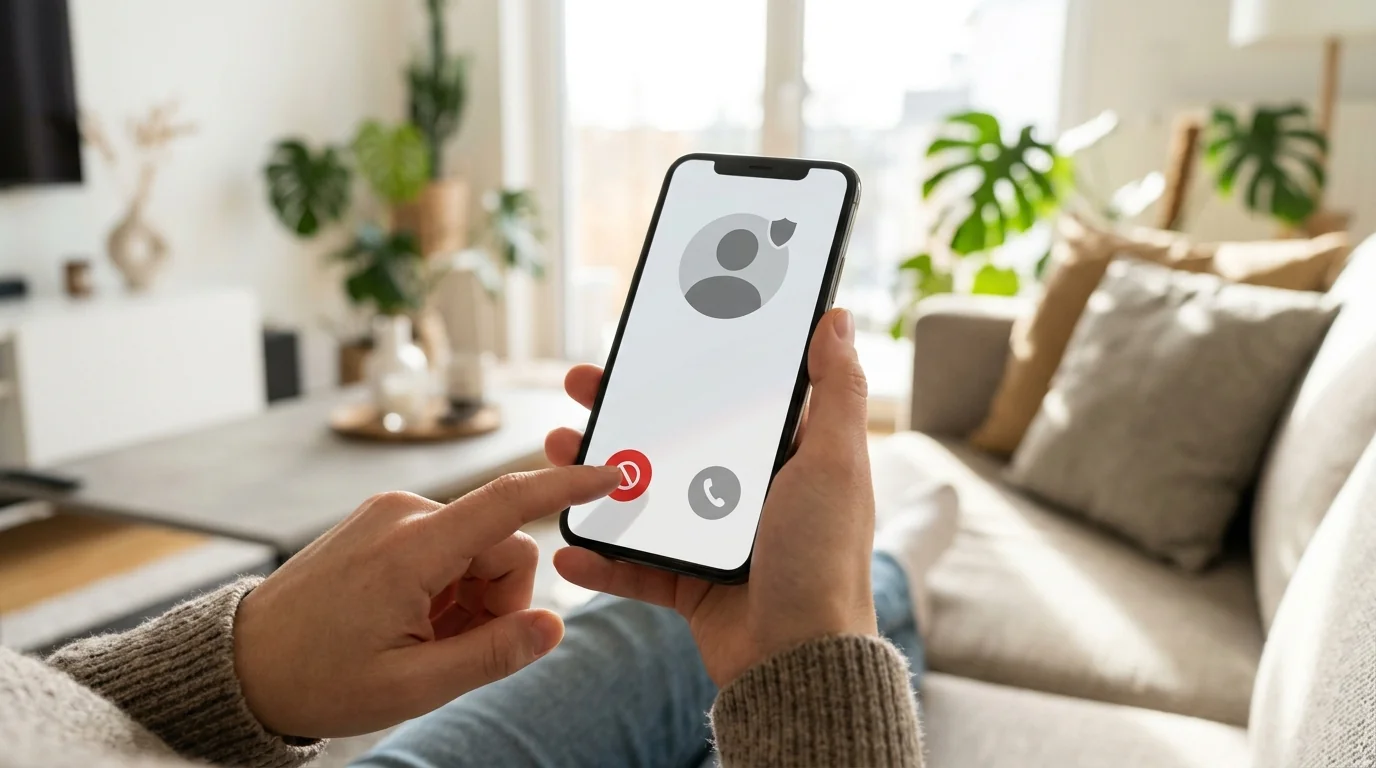
3. Never Answer a Call From a Number You Do Not Recognize
If the number is not in your contacts and you are not expecting a call, let it ring. A real caller will leave a voicemail or send a text. Answering tells the spammer’s system that a live person owns your number, and that puts you on more lists.
I used to answer everything because I worried about missing something important. In two years of letting unknown calls go to voicemail, I have missed exactly nothing that mattered. The voicemail test is the simplest filter there is.
4. Do Not Reply STOP to Random Texts
Replying STOP only works for real businesses you signed up with, like a shop or your bank. If a random number texts you about a prize or a parcel, replying tells the sender your number is active. That one reply can double the spam you receive.
Instead, block the number and report the message as junk. On an iPhone, tap Report Junk under the message. On Android, long-press the message and choose Block. Silence is the correct answer to a stranger with a link.
5. Register With Your Country’s Do Not Call List
Most countries run a free do-not-call register that bans legitimate companies from cold-calling you. Search for your country’s version, add your number, and wait a few weeks for it to take full effect. It will not stop criminals, but it cuts the legal sales calls fast.
Registration is free and takes about five minutes online. I registered years ago and the sales calls dropped within a month. Think of the register as a fence: it keeps the honest sellers out, and the filters handle the rest.
6. Use Your Carrier’s Free Spam Tools
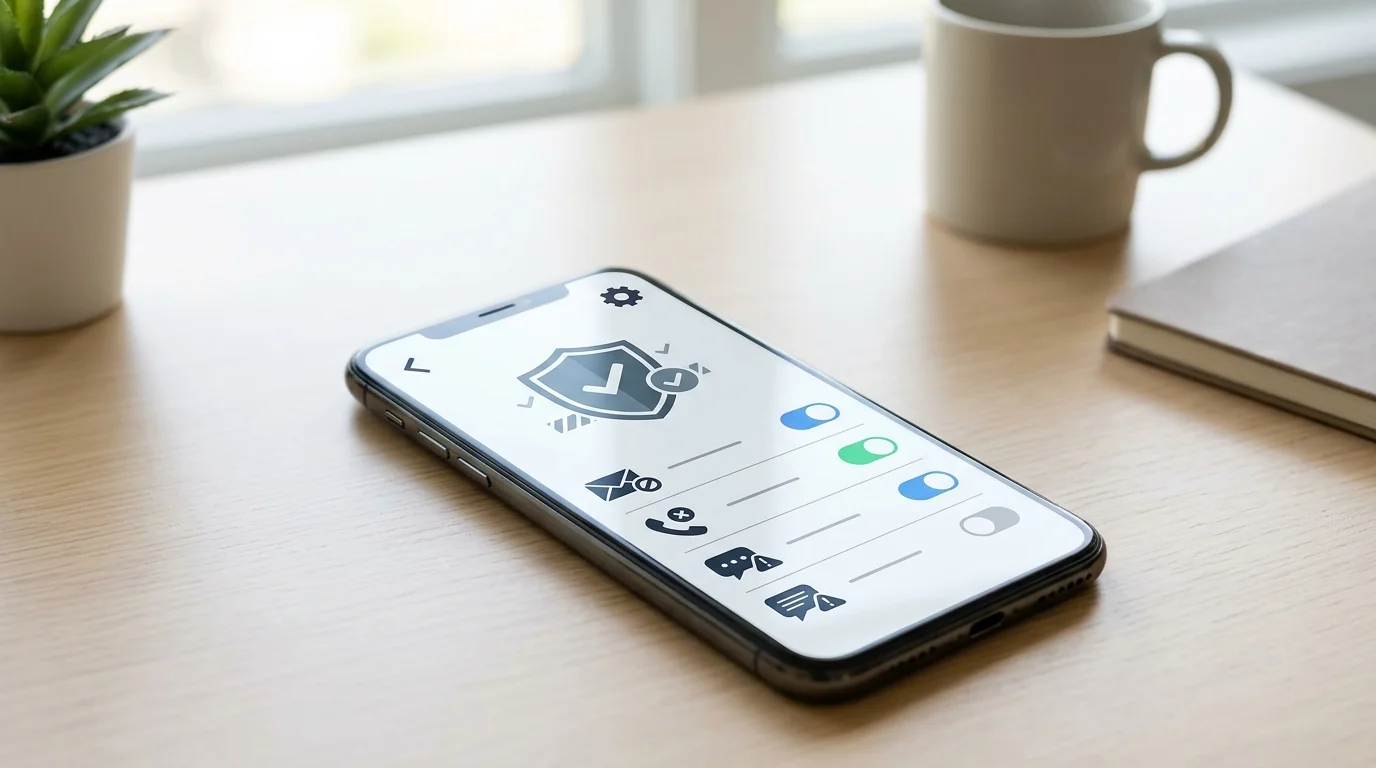
Your mobile carrier almost certainly offers free spam protection, and many people never turn it on. Check your carrier’s app or website for a call filter or spam guard feature. Some carriers block suspected spam at the network level before it ever reaches your phone.
A few carriers also offer a paid version with extra features, but the free tier is usually enough. I turned on my carrier’s free spam guard and it quietly blocks several calls a week. Check your account settings today, because the tool is already there waiting.
7. Silence Unknown Callers Completely
Both iPhone and Android can send calls from unknown numbers straight to voicemail without ringing at all. On an iPhone, turn on Silence Unknown Callers in Settings, then Phone. On Android, look for the filter unknown callers option in your Phone app settings.
Your phone still logs the call, so you can call back if it was real. This is the nuclear option, and it is wonderful. My phone only rings for people I know now, and the silence is genuinely peaceful.

8. Be Careful Where You Share Your Number
Every form, contest, and free trial that asks for your number is a possible leak. Spammers buy phone numbers in bulk from data brokers, and those lists start with a form you filled in years ago. If a website does not truly need your number, leave the field blank.
For sign-ups that demand a number, consider a free second number from a service like Google Voice, or use a temporary number. I keep my real number for family, friends, and my bank. Everything else gets the spare number, and my real phone stays quiet.
9. Report Spam to Your Carrier
On most carriers, you can forward a spam text to 7726, which spells SPAM on a phone keypad. The carrier uses your report to block the sender for everyone, not just you. It takes ten seconds and genuinely helps.
You can also report spam calls through your carrier’s app or website. I report every spam text I get, and the same scam number rarely texts me twice. Reporting turns you from a victim into part of the solution, and it costs nothing.
10. Change Your Number as a Last Resort
If the spam never stops no matter what you try, your number may be on too many lists to save. Changing your number is annoying, but it is a fresh start. Your carrier can usually do it in minutes, and many will do it free if you explain the spam problem.
Before you switch, tell your contacts and update your bank and important accounts. Then guard the new number fiercely and share it only where it is needed. I have only done this once, and the fresh start was worth the hassle.
FAQs
Why am I getting so many spam calls all of a sudden?
Your number probably landed on a fresh list, often after a data breach or a form you filled in. Spammers trade and sell phone numbers in bulk, so one leak can trigger a wave. The filters and blocking steps in this article calm the wave down within a few weeks.
Does answering a spam call make it worse?
Yes. Answering confirms your number is live, and live numbers are worth more to spammers. Your number can then be sold to more callers. Let unknown calls go to voicemail and call back only if the message is real.
Is it safe to tap a link in a spam text?
No. Those links can lead to fake login pages that steal your passwords, or to downloads that infect your phone. Never tap a link from a number you do not recognize. If a message claims to be from your bank, open your banking app directly instead.
Will a spam blocking app help?
A good blocking app can help, especially the free tools from your carrier. Be careful with third-party apps, though, because some collect your call data. Check the app’s privacy policy and reviews first, and start with the built-in filter on your phone.
Can I stop spam texts completely?
Probably not completely, but you can cut them down to a trickle. Filters, blocking, and reporting work together to shrink the flow over time. A few spam texts a month is normal now, and a flood means one of your defenses is switched off.
Conclusion
That is the full playbook: filter on, unknown calls silenced, and every spam number blocked and reported. Your phone should ring for people you actually know. How many spam calls did you get this week?