Learning how to clean up your email inbox fast became a necessity for me the morning I opened my mail and saw over a thousand unread messages. Most of them were adverts and newsletters I never remembered signing up for.
I spent one focused hour on the mess, and my inbox has stayed calm ever since. These 11 easy ways work in that same single hour.
1. Clean Up Your Email Inbox With the Search Bar First
Before you delete anything by hand, let search do the heavy lifting. Search for common clutter words like unsubscribe, newsletter, or offer, and delete the results in bulk. One search can clear hundreds of messages in seconds.
Start with the biggest senders. Search for a shop name, select all their emails, and delete the lot. The search bar is the fastest cleanup tool you already own, and most people never think to use it this way.
2. Unsubscribe in Bulk
Every newsletter you never read is a daily drip of clutter. Open one, scroll to the bottom, and tap the unsubscribe link. It takes ten seconds, and the emails stop within a few days.
Work through your inbox in batches of ten senders at a time. Some email apps even offer a one-tap unsubscribe button at the top of the message. Each unsubscribe is one less email tomorrow, and the effect adds up fast.
3. Set Up Filters and Labels
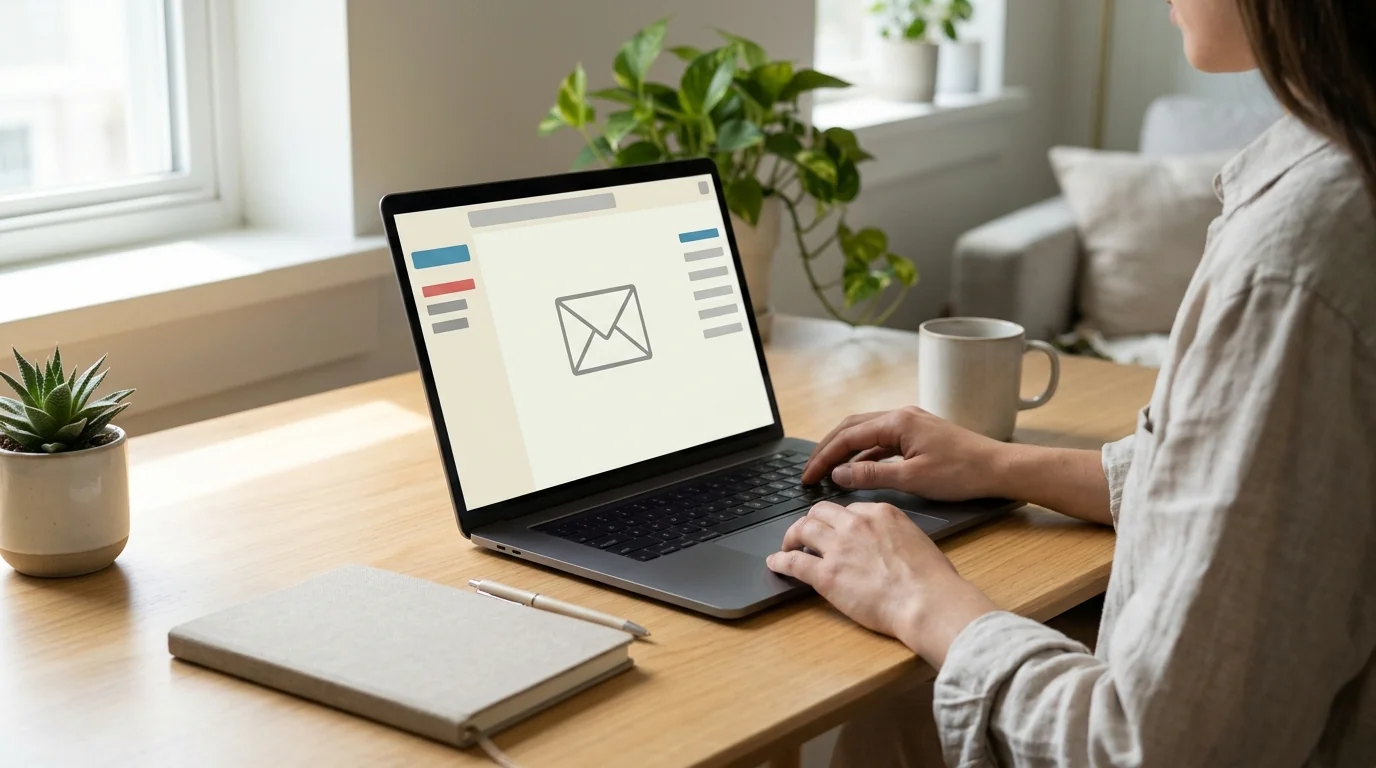
Filters sort your mail automatically, so the inbox only shows what needs your attention. Create a filter that sends receipts to a Receipts folder and newsletters to a Reading folder. Your inbox becomes a to-do list instead of a junk drawer.
Most email services let you create a filter from any message in two taps. I filter bills, receipts, and newsletters into folders, and my inbox only holds messages from real people. A good filter does the sorting while you sleep.
4. Use the Two-Minute Rule
If an email takes less than two minutes to answer, answer it now instead of leaving it unread. Short replies, quick confirmations, and simple yes-or-no answers should never sit in your inbox. Handling them immediately keeps the pile from growing.
For emails that need more thought, move them to a folder called To Answer and set a time to handle them. The two-minute rule clears most of your inbox in one pass, because most emails are quick.
5. Archive, Do Not Delete, What You Might Need
Deleting feels final, and that fear keeps people from cleaning up at all. Archiving removes the email from your inbox but keeps it searchable forever. If you ever need it again, one search brings it back.
I archive everything that is not spam, including old conversations and receipts. My inbox stays empty and nothing is ever truly lost. The archive button is the secret weapon of a clean inbox.
6. Turn Off Notifications for Promotions
Every ping from a shopping app drags you back into your inbox for no reason. Turn off notifications for your promotions and social tabs, and keep alerts only for your main inbox. Your phone should buzz for people, not adverts.
Check your email app settings and mute the noisy categories today. I did this a year ago and my daily email checks dropped from dozens to two or three. Fewer pings means fewer chances to get sucked into the clutter.
7. Create Folders That Match Your Life
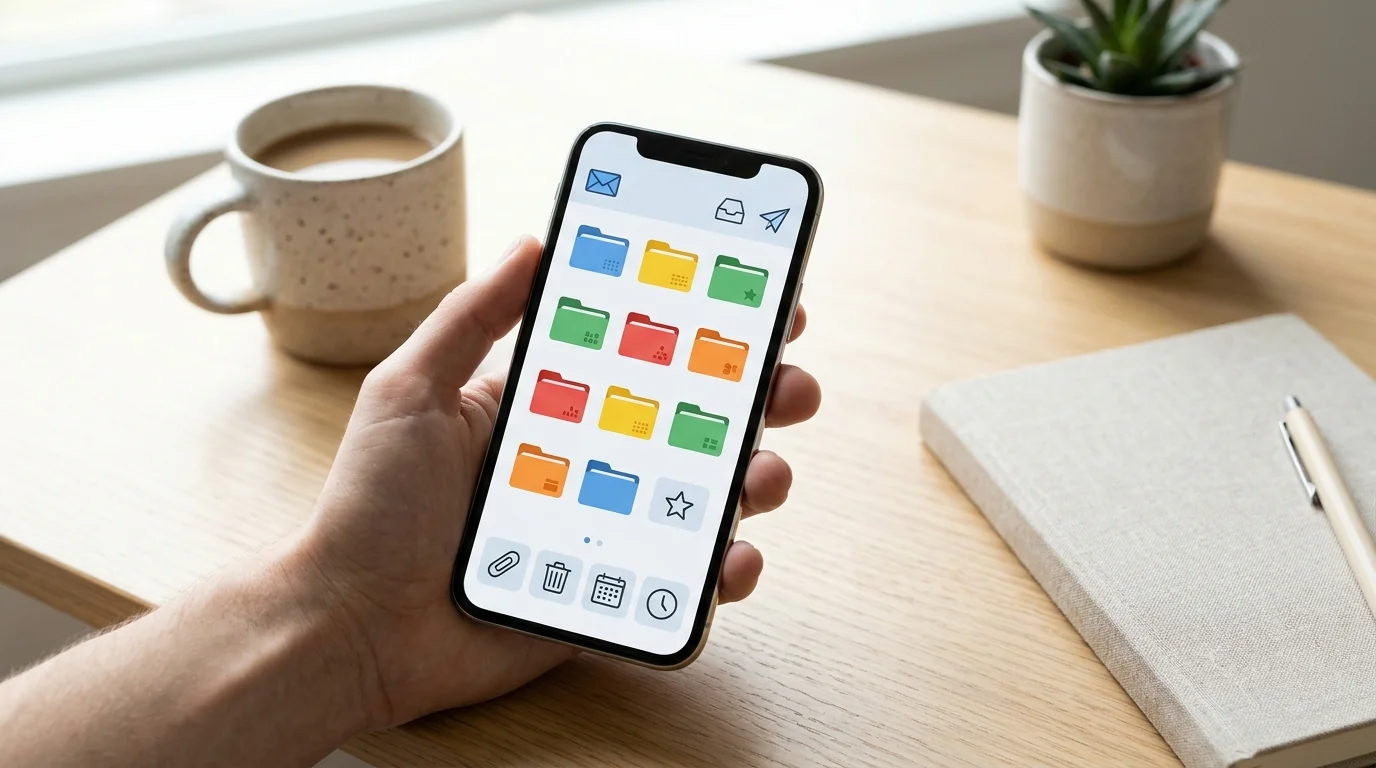
A folder system only works if it matches how you actually live. Keep it simple: Work, Personal, Bills, Travel, and Reading is enough for most people. Too many folders is as bad as none, because you will never remember where things went.
Move old emails into folders in bulk, then file new ones as they arrive. Five folders take seconds to maintain and save minutes of searching later. Simple folders beat a clever system you never use.

8. Schedule Two Short Inbox Sessions a Day
Checking email all day means your inbox is never truly done. Pick two short windows, one in the morning and one in the afternoon, and process everything in those sessions. Outside those windows, close the app and get on with your day.
Set a timer for fifteen minutes per session and work through the newest mail first. Anything left over waits for the next session. A fixed schedule turns email from a constant drip into a quick chore.
9. Empty the Trash and Spam Regularly
Deleted emails sit in your trash for weeks, still counting against your storage. Open your trash and spam folders once a month and empty them for good. A full trash folder can slow down search and waste storage space.
Most email services delete trash automatically after thirty days, but doing it yourself feels better. I empty mine on the first of every month, and it takes ten seconds. A clean trash folder is the finishing touch on a clean inbox.

10. Stop Giving Out Your Main Email Address
Every website that gets your main address will email you forever. Use a second free address for shopping, sign-ups, and trials, and keep your main address for people and important accounts. The spam goes to the spare inbox, not yours.
Many email services also let you add a plus tag, like yourname+shopping, to track who shares your address. I use my spare address everywhere, and my real inbox gets a handful of emails a day. Guarding your address is the best long-term fix.
11. Keep a Simple Daily Habit
A clean inbox stays clean with one tiny habit: end each day at inbox zero, or close to it. Archive what is done, answer what is quick, and leave only what truly needs tomorrow. Two minutes at the end of the day prevents the pile from returning.
Miss a day and do not worry, because the system forgives a slip. The habit matters more than perfection. My inbox has stayed under ten messages for a year now, and the evening reset is the reason.
FAQs
How long does it take to clean up a messy inbox?
One focused hour clears most inboxes, even ones with thousands of messages. Bulk search and delete handles the old mail fast. The filters and folders take another twenty minutes, and then the system maintains itself.
Should I delete old emails or archive them?
Archive almost everything and delete only true spam. Archived emails stay searchable, so you lose nothing. Deleting is for adverts and messages with no value, and even those can sit in trash for a month first.
How many unread emails is too many?
There is no magic number, but if the count stresses you out, it is too many. An inbox under fifty messages feels manageable to most people. The real goal is an inbox you can clear in one short session.
What is the fastest way to unsubscribe from everything?
Open a newsletter, tap the unsubscribe link at the bottom, and repeat for your top ten senders. Some email apps collect unsubscribe links in one place. A few services also offer bulk unsubscribe tools, but check their privacy policy first.
How do I keep my inbox clean after the big cleanup?
Use the evening reset: archive what is done, answer what is quick, and leave only what needs tomorrow. Keep your filters running and unsubscribe from new clutter the moment it appears. A clean inbox is a habit, not a one-time project.
Conclusion
That is the full cleanup: search, unsubscribe, filter, and a two-minute evening habit. Your inbox should serve you, not stress you. How many unread emails do you have right now?