Knowing how to check if my email has been hacked became urgent the morning a friend asked why I had sent her a weird link at 3 AM. My stomach dropped, because I had been asleep. Email hacking is frighteningly common and often silent, so most victims do not notice for weeks. These are the ten warning signs to watch for, plus what to do the moment you spot one.
1. Friends Receive Strange Emails From You
Nothing screams hacked like friends asking about bizarre messages they got from your address, usually containing sketchy links or urgent requests for money. Hackers use your account to spam your contacts because people trust emails from someone they know. If even one person mentions it, take it seriously immediately.
Ask the friend to forward you the suspicious email so you can see exactly what was sent. Then change your password right away from a device you trust, and warn your contacts not to click anything. Speed matters here, because every hour gives the hacker more victims.
2. Your Password Suddenly Stops Working
Getting locked out of your own inbox is terrifying, and it usually means the hacker changed your password to keep you out. Try the official account recovery process for your provider, like Google’s or Microsoft’s recovery page, and follow every step carefully. Use a device and location you have logged in from before.
If recovery works, change the password to something long and unique, then turn on two-factor authentication immediately. A password manager makes this painless going forward. Getting locked out is actually useful evidence, because it confirms the breach is real and not just your imagination.
3. You Spot Logins From Unknown Locations
Most email providers keep a security log showing recent sign-ins with locations and devices. In Gmail, scroll to the bottom of your inbox and click Details; in Outlook, check your Microsoft account’s security page. A login from a country you have never visited is a smoking gun.
Sign out all other sessions remotely, which every major provider lets you do in one click. Then change your password and enable two-factor authentication. Check login activity monthly; it is the easiest ongoing answer to how to check if my email has been hacked, and catching a breach early limits damage.
4. Your Sent Folder Holds Emails You Never Wrote
Hackers sometimes forget to delete the evidence, leaving their spam campaigns sitting right in your Sent folder. Browse through it and look for messages you do not recognize, especially ones sent at odd hours or to dozens of recipients. Even a few unfamiliar emails confirm someone else is inside.
Delete the fraudulent sent emails so confused contacts stop replying to them, then secure the account with a new password and two-factor authentication. Tell anyone who received the spam to delete it without clicking links. Your Sent folder is one of the fastest places to confirm a hack.
5. You Get Security Alerts You Did Not Trigger
Emails saying your password was changed or a new device signed in, when you did nothing of the sort, mean someone else is active in your account. Read these alerts carefully instead of ignoring them as noise. Real alerts from Google or Microsoft include the time, device, and approximate location of the activity.
Fake security alerts are another trick: hackers send them to steal your login, so only trust alerts inside your account’s official security page, never links in the email. If a genuine alert shows activity you do not recognize, change your password immediately and review every security setting.
6. Your Recovery Email or Phone Number Changed
A favorite hacker move is changing your recovery options so you cannot take the account back. Check your account settings for the recovery email and phone number on file. If either shows an address or number you do not recognize, the attacker is actively locking you out.
Restore your own recovery details the moment you regain access, before doing anything else. Then add two-factor authentication with an authenticator app, which is much harder for hackers to defeat than SMS codes. Recovery settings are the keys to the kingdom, so guard them closely.
7. Mysterious Filters or Rules Appear
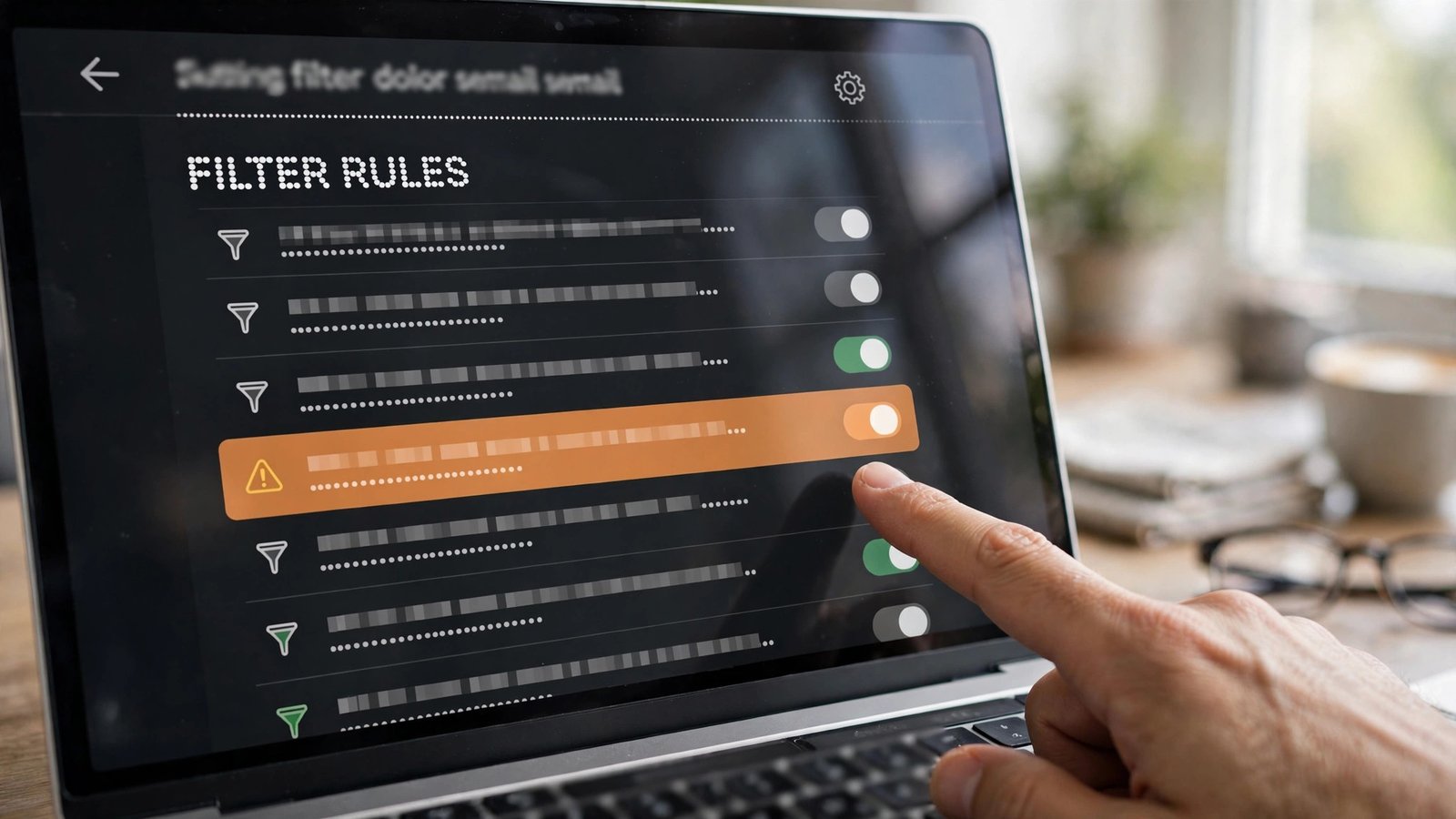
Clever hackers create email filters that auto-delete or forward your incoming mail, hiding password reset emails and security warnings from you. In Gmail, check Settings, then Filters and Blocked Addresses; in Outlook, look under Mail rules. Any filter you did not create yourself is a major red flag.
Delete every suspicious filter and check where forwarded mail was going, because that address belongs to the attacker. This trick lets hackers quietly monitor you for months while you notice nothing. Make checking filters part of your routine after any suspected breach.
8. Contacts Disappear or Messages Go Missing
Missing contacts or vanished emails can also signal an intruder covering their tracks or isolating you from warnings. Do not assume you imagined it if longtime contacts disappear from your address book. Check the Trash folder, where deleted items sit for thirty days.
Restore anything important from Trash before it is permanently deleted. Then secure the account, because deletions suggest an intruder is actively managing your inbox. Export your contacts as a backup once you are back in control, so you never lose them again.
9. Your Account Blasts Out Spam in Bulk
Waking up to hundreds of delivery failure notices means your account spent the night spamming strangers, which usually gets your address blacklisted fast. Those bounce messages are actually helpful, because they prove the scale of the abuse. Save a few as evidence in case you need to appeal a block.
Change your password, enable two-factor authentication, and check whether your provider temporarily restricted your account. You may need to contact support to lift sending limits. Apologize briefly to any real contacts who got spammed, then move on; it happens to millions of people.
10. How to Check If My Email Has Been Hacked With Have I Been Pwned
The free site Have I Been Pwned lets you enter your email and see every known data breach that exposed it. If your address appears in breaches you never heard about, attackers may hold your old passwords and be trying them everywhere. This check takes thirty seconds.
If you appear in breaches, change that password everywhere you reused it, starting with banking and email. Then adopt a password manager and unique passwords for every site, so one breach can never cascade again. Make this check a yearly habit.
FAQs
What should I do first if I think my email was hacked?
Change your password immediately from a clean device, then turn on two-factor authentication. Next, check your recovery email and phone number, review recent login activity, and sign out all other sessions. Finally, scan your computer for malware, since keyloggers often cause the original breach.
How do hackers get into email accounts?
Learning how to check if my email has been hacked starts with understanding the break-in: most come from reused passwords exposed in data breaches, phishing emails that trick you into typing your login on a fake page, or malware recording keystrokes. Weak passwords and missing two-factor authentication make their job easy. Unique passwords plus two-factor authentication stops most attacks.
Can a hacker see my old emails?
Yes, once inside, a hacker can read your entire inbox, including old messages with sensitive details like account numbers or personal photos. They also use your email to reset passwords on your other accounts. That is why securing email first matters more than securing any other single account.
Should I delete a hacked email account?
Usually no. Deleting the account can lock you out of services tied to it and does not undo damage already done. Instead, recover it, secure it properly, and keep it. Only abandon an address if the provider cannot restore your access after you exhaust every recovery option.
How can I tell a real security alert from a phishing one?
Real alerts appear inside your account’s official security settings page when you go there yourself. Phishing alerts arrive as emails urging you to click a link urgently, often with threats or odd sender addresses. Never click alert links; always open your account directly and check there.
Conclusion
That is how to check if my email has been hacked and what to do about it. Act fast, secure the account, check your other logins, and enable two-factor authentication everywhere. Have you checked your own account lately?