If you just got a fake tech support call, what to do next matters more than you think. Take a breath first. These scammers ring thousands of people daily, claiming your computer has a virus only they can fix. Their real goal is your money and personal information. Here are 11 ways to spot their tricks, shut them down fast, and stay safe.
1. After a Fake Tech Support Call, What to Do Is Simple: Hang Up
Do not explain yourself, do not argue, and never press any number they mention. Just hang up like any other spam call, because every extra second gives them another chance to hook you. I know it feels rude, but these are criminals reading a script, not someone you owe manners to.
If they call back, hang up again and block the number on your phone. Scammers use auto-dialers that cycle through thousands of numbers, so a quick hang-up marks you as a dead end. The faster you disconnect, the faster they move on to someone else.
2. Never Let a Stranger Take Over Your Computer
A request to install AnyDesk, TeamViewer, or any remote access tool is the beating heart of this scam. These programs hand a stranger full control of your screen, files, and passwords, and everything after that moves fast. No legitimate company asks you to do this with someone who cold-called you.
If you already installed something at their request, uninstall it now and disconnect from the internet for a minute. Then run a full antivirus scan before doing anything else. Remember: no real support agent needs to drive your computer like a rental car.

3. Real Tech Companies Will Never Call You Out of the Blue
Microsoft, Apple, Google, and your internet provider do not have teams of agents cold-calling customers about viruses. It simply is not how support works, and it never has been. The caller ID might even show a real company name, but scammers fake that in about ten seconds.
Real support happens when you contact them first, through official websites or the number on your bill. If a call claims otherwise, it is fake, every single time. Tape this rule to your monitor if it helps: nobody legitimate calls you about a problem you did not report.
4. Close Those Scary “Virus Detected” Pop-Ups the Right Way
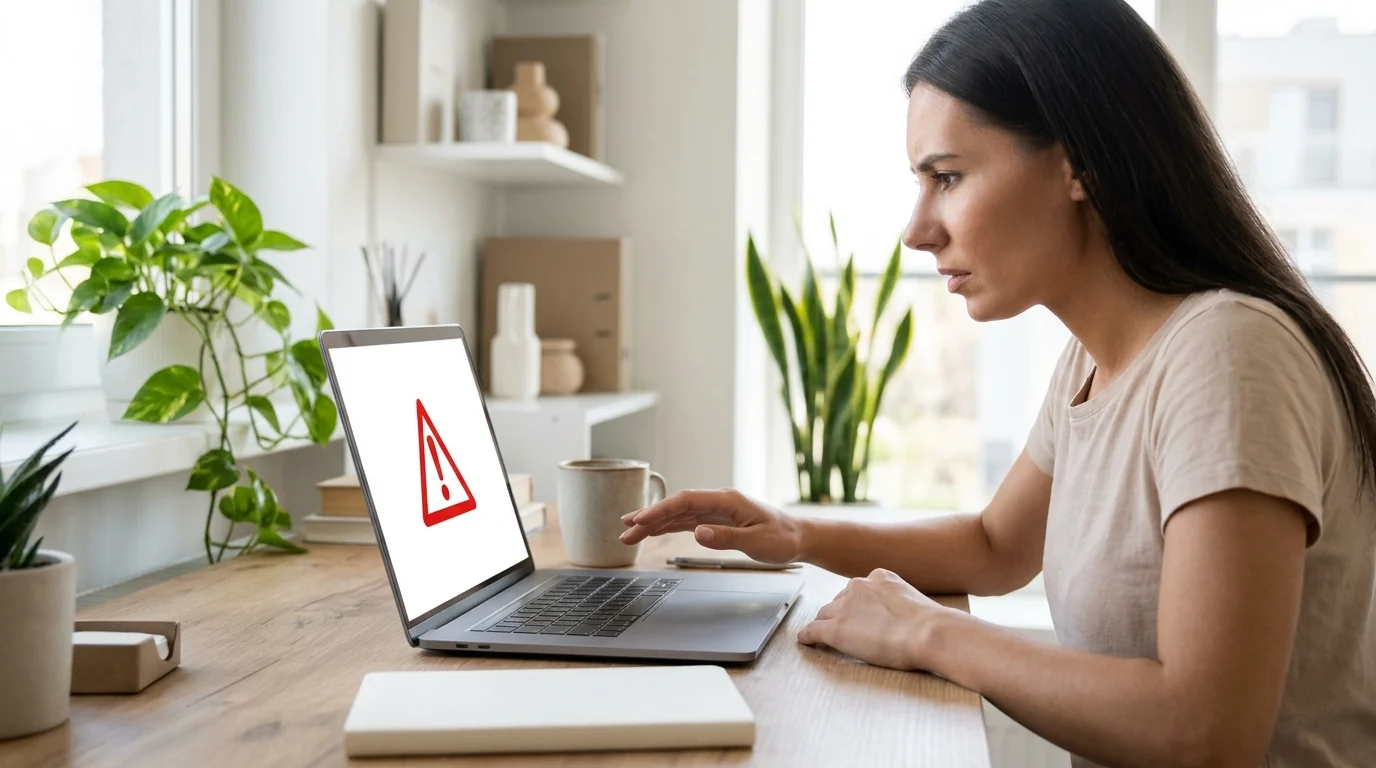
Those flashing red warnings with a phone number to call are pure theater, designed to spike your panic so you stop thinking clearly. Clicking anywhere inside the pop-up, even the little X, can trigger a download. I have seen these fool smart people, so do not feel bad if one rattled you.
Close the entire browser window instead, using Alt+F4 on Windows or Command+Q on a Mac. If the pop-up keeps coming back, restart your computer and clear your browser data. A real virus warning never includes a phone number begging you to call it.
5. Gift Cards Are for Gifts, Not for “Technicians”
Hearing a request for payment in Apple, Google Play, or Steam gift cards means the mask is fully off. No legitimate business takes gift cards for services, and scammers love them because the money vanishes instantly. Once you read the code aloud, that cash is gone forever.
Real companies take credit cards through secure checkouts, period. If a caller insists gift cards are the only option, laugh if you want, then hang up. Tell your friends this rule too, because it is the single fastest way to identify the scam.

6. Guard the Verification Codes on Your Phone
Here is a sneaky upgrade to the classic scam: they trigger a real password reset on your account, then ask you to read them the code that just arrived. That code is the key they were missing. Banks send these codes constantly, so the trick works depressingly often.
Treat every code like cash: never read one to anyone who called you. If you did not start the process, ignore the text entirely and delete it. When in doubt, open the app yourself and check for alerts instead of trusting the caller.
7. Already Paid Them: Call Your Bank Right Now
If you paid on a fake tech support call, what to do next is simple: call your bank immediately using the number on your card. Speed matters because banks can sometimes reverse charges or block a wire if you catch it early. Do not feel embarrassed, since banks handle these cases every single day.
Tell them exactly what happened and ask about a chargeback or fraud claim. Then change the passwords on any accounts you mentioned during the call. Put a fraud alert on your credit file too, which is free and takes about five minutes online.
8. Run a Real Antivirus Scan After Any Contact
Even a short call can end with malware if they talked you into downloading anything. Do not trust the caller’s cheerful claim that your computer is now clean, since that is part of the act. Your own security software is the only opinion that counts here.
Open Windows Security on a PC or use Malwarebytes on either platform, then run a full scan, not the quick one. Let it finish completely and remove anything it flags. If the scan finds serious threats, consider having a trusted local shop take a look before you log into banking again.

9. Report the Number and Warn Others
Reporting feels pointless in the moment, but it genuinely helps investigators spot patterns and shut down operations. The FTC takes reports at reportfraud.ftc.gov, and your phone carrier lets you forward spam texts to 7726. Each report adds a dot that eventually connects to a bigger picture.
Tell your group chat, your neighbors, and especially older relatives what the call sounded like. Scammers reuse the same scripts for months, so your warning might be the exact thing that saves someone else. A two-minute heads-up is a real act of kindness.
10. Lock Down Accounts They Might Have Touched
Assume every account the caller might have glimpsed is compromised, especially if you typed passwords while they watched. Change those passwords right away from a different device the scammer never touched. Start with email and banking, then work through anything else you opened.
Turn on two factor protection for each one as you go, since that blocks them even if they kept a password. Check recent login activity for unfamiliar devices or locations. Most services show this under security settings, and it takes two minutes to review.
11. Teach Your Parents the Three-Second Rule
The best defense for older relatives is dead simple: if anyone calls about computer problems, hang up within three seconds. No listening, no questions, no being polite. Scammers are professionals at sounding trustworthy, and the only winning move is refusing to play.
Role-play it with them once so the habit sticks, and put the real support numbers on their fridge. My dad keeps Apple’s number on a sticky note, and it has saved him twice. Remind them that real help never arrives through a surprise phone call.

FAQs
I got a fake tech support call. What to do if I gave them remote access?
Uninstall the remote access program immediately and disconnect from the internet. Run a full antivirus scan, then change your email and banking passwords from a clean device. If you entered payment details, call your bank about a fraud alert. Act fast and do not feel ashamed.
How can I tell if a virus warning on my screen is real?
Real warnings come from your installed antivirus using its own name, never from a browser pop-up with a phone number. Close the browser completely and open your security software directly to check. If it shows no threats, the pop-up was fake. When in doubt, restart your computer.
Can scammers hack my computer just by calling me?
No, a phone call alone cannot install anything on your computer. They need you to take action, like installing software, visiting a website, or sharing a code. That is why every version of the scam pushes you to do something quickly. As long as you only talked, you are safe.
My parent already paid a scammer. What should we do?
Call the bank or card company immediately and request a chargeback, since speed greatly improves your odds. File a report at reportfraud.ftc.gov with every detail you remember. Change any passwords shared during the call. Then set up the three-second hang-up rule together for next time.
Is it safe to call back a missed call from “tech support”?
Do not call back, since the number likely routes to the scammers or a premium line that charges you. If you are curious, look up the company’s official number yourself and call that instead. Never trust a callback number from a missed call you did not expect.
Are those “Microsoft” pop-ups with a phone number ever real?
Never. Microsoft does not put phone numbers in browser pop-ups, and neither does Apple or Google. Real security alerts appear inside your antivirus program, not your web browser. If a pop-up demands a call, close the browser and run a scan instead.
Conclusion
Scammers count on panic doing their work for them, so your calmest move is also your strongest one. Hang up, check things yourself, and tell someone what happened. Has a call like this ever caught you off guard?