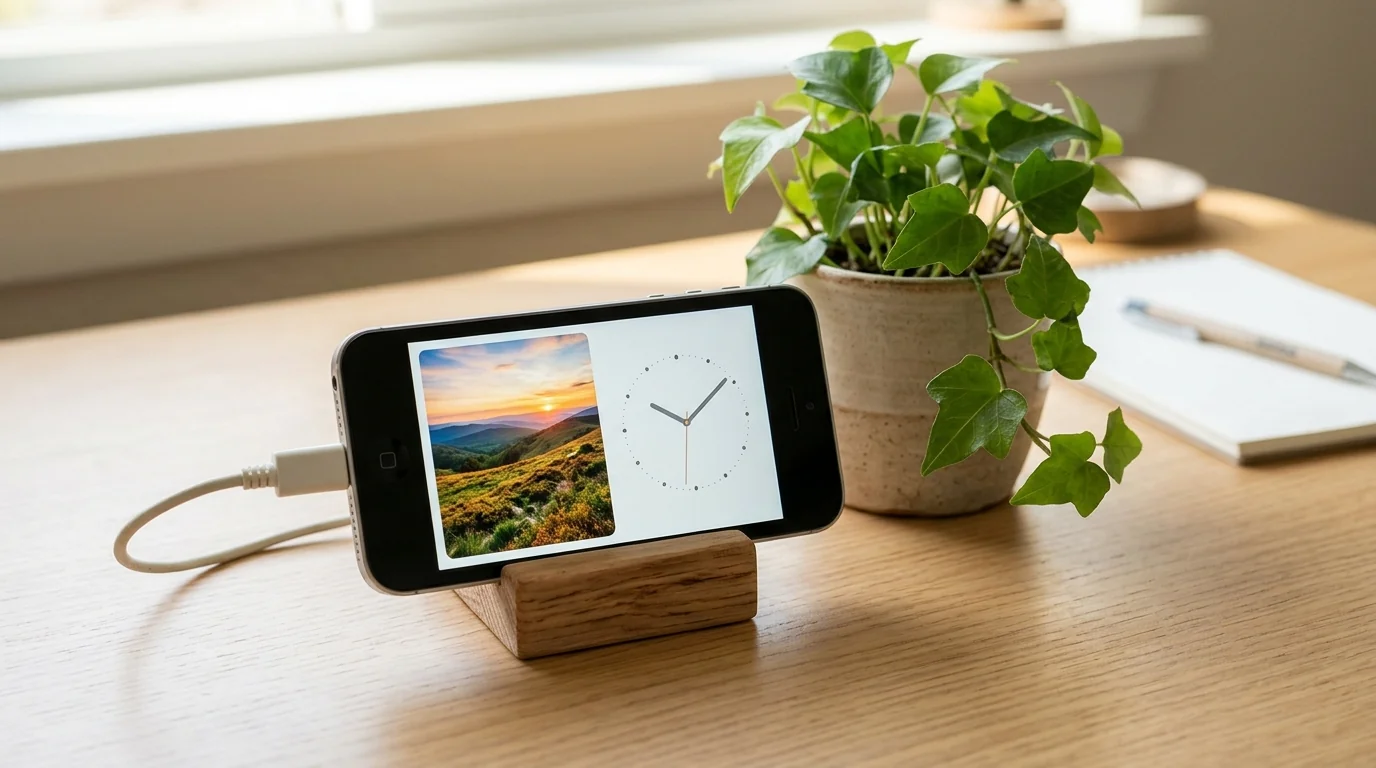
Phone overheating how to cool it down became my urgent question the summer I left mine on a car dashboard. I came back to a warning screen and a phone too hot to hold, and panic was the wrong first move. It survived, and yours will too. These 10 tricks drop the temperature fast, and most of them take less than a minute.
1. Phone Overheating How to Cool It Down: Start With Shade
Direct sun is the number one cause of a screaming-hot phone, so the first rule of phone overheating how to cool it down is simply moving it into the shade. A pocket, a bag, or the shadow of your body all work. Heat drops noticeably within a couple of minutes once the sun is off it.
Do not put it in front of an air conditioner vent blasting full cold either; gentle shade is enough. Extreme temperature swings can cause condensation inside the phone. Shade first, patience second, and your phone will thank you.
2. Take the Case Off Immediately
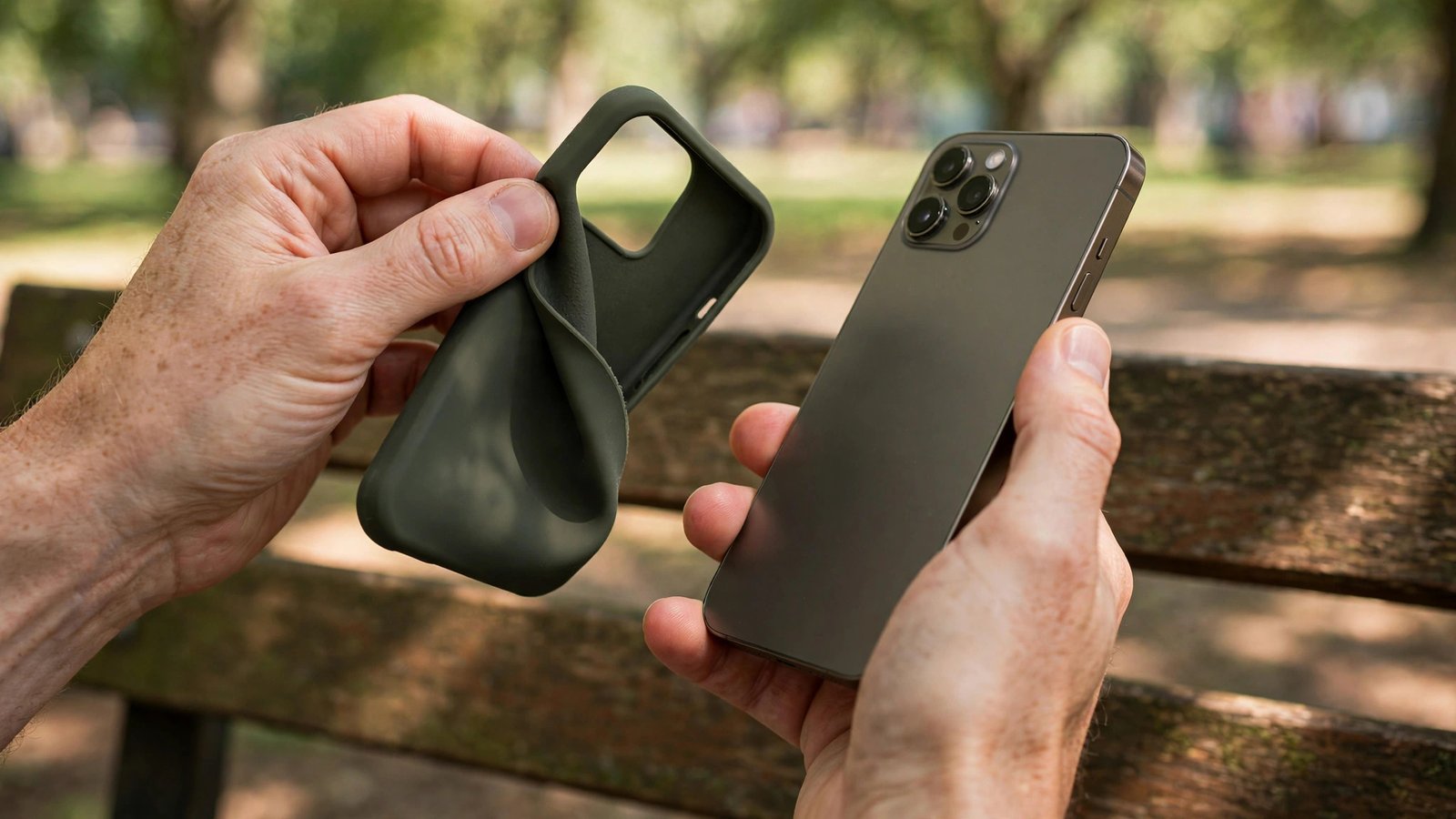
Your protective case is also a thermal blanket, trapping heat against the phone exactly when it needs to escape. Peel it off the moment your phone feels hot. You will be surprised how much faster it cools with bare sides exposed to the air.
Put the case back on once the phone is cool to the touch. This is a temporary measure, not a reason to go caseless forever. My approach to phone overheating how to cool it down: I keep the case off for ten minutes and the difference is dramatic every time.
3. Turn On Airplane Mode for Five Minutes
Inside your phone, the processor works hardest when it is juggling cellular, Wi-Fi, Bluetooth, and GPS all at once. Flipping on airplane mode shuts every radio down in one tap, and the processor gets an instant break. Five minutes of airplane mode can drop the temperature noticeably.
Use those five minutes to let it sit untouched in the shade. Do not keep checking it, because the screen is a heater too. When you flip airplane mode off, everything reconnects on its own.
4. Close the Battery-Hungry Apps Running in the Background
Navigation, video calls, and games are the usual suspects when a phone cooks itself. Double-tap your app switcher and swipe away anything you are not actively using, especially maps and camera apps. Each closed app is one less thing making heat.
Check your battery settings to see which apps used the most power today; the top of that list is your heat source. I once found a navigation app running for six hours after a road trip. Closing it cooled my phone in minutes.
5. Dim the Screen Way Down
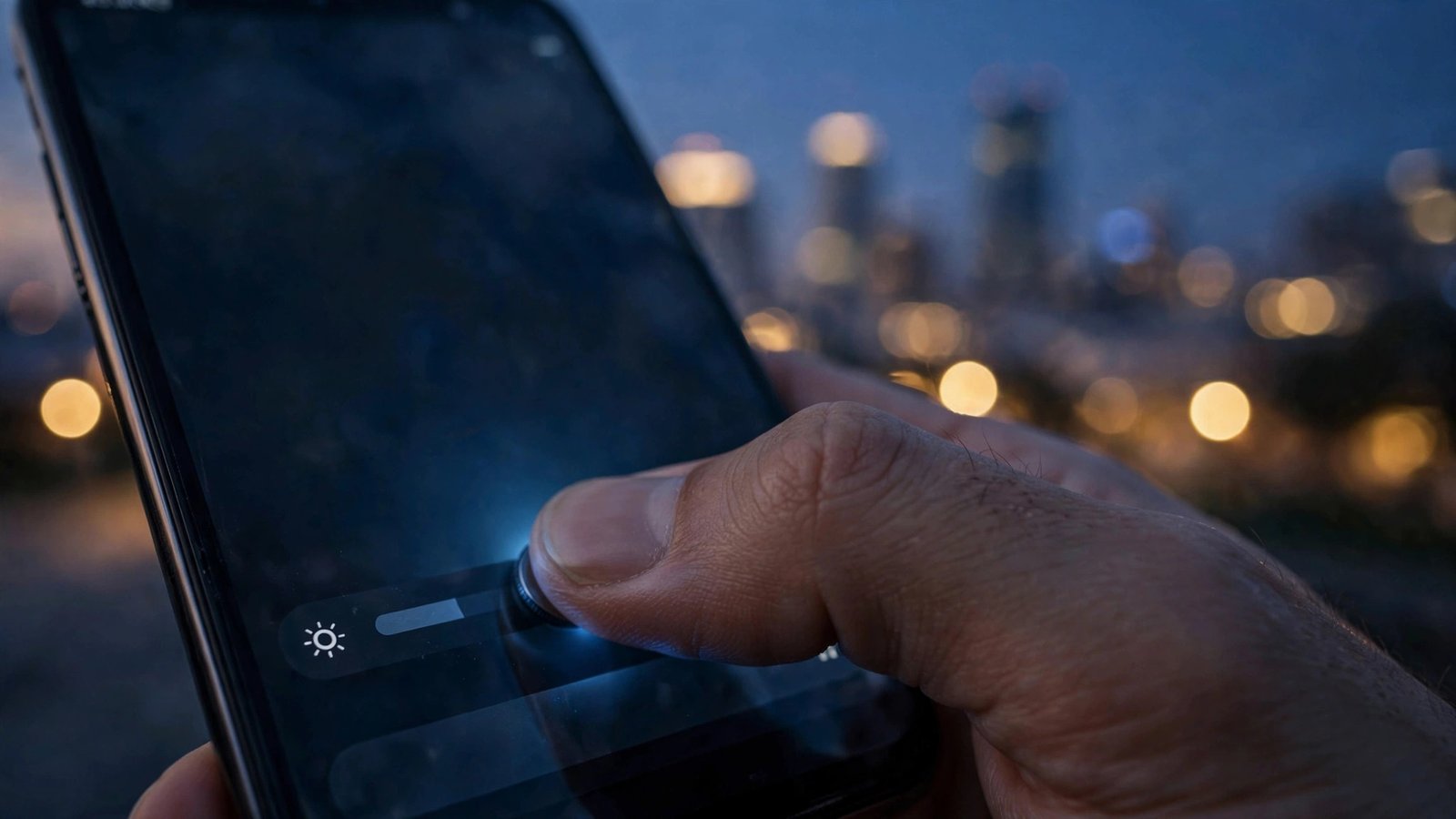
The display is one of the biggest heat generators in your phone, especially at full brightness outdoors. Drag the brightness down to the lowest comfortable level while it cools. Less light means less heat, and your eyes will adjust in seconds.
Turn on auto-brightness afterward so your phone manages this itself next time. It is a small setting that prevents a lot of heat. I leave mine on auto always now, and overheating episodes dropped by half.
6. Unplug It and Let It Rest
Charging generates heat on its own, so charging an already-hot phone is pouring fuel on the fire. Unplug it the moment you notice the heat and let it cool before you charge again. Wireless charging runs even hotter, so skip the pad for now.
Once the phone feels normal, plug it back in somewhere cool and shaded. If it gets hot every time you charge, try a different cable or brick, because cheap chargers are a common culprit. Your battery will last longer for the kindness.
7. Set It on Something Cool, Not Something Soft
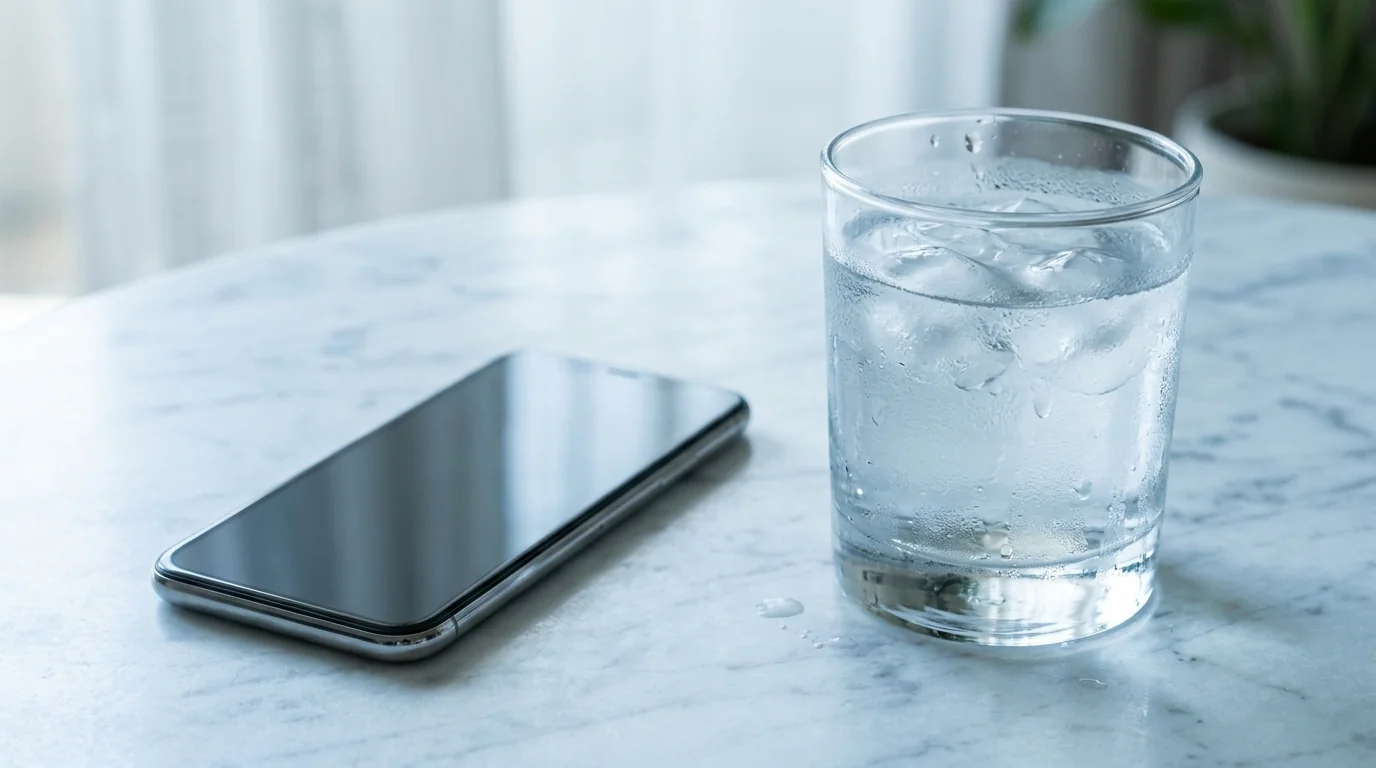
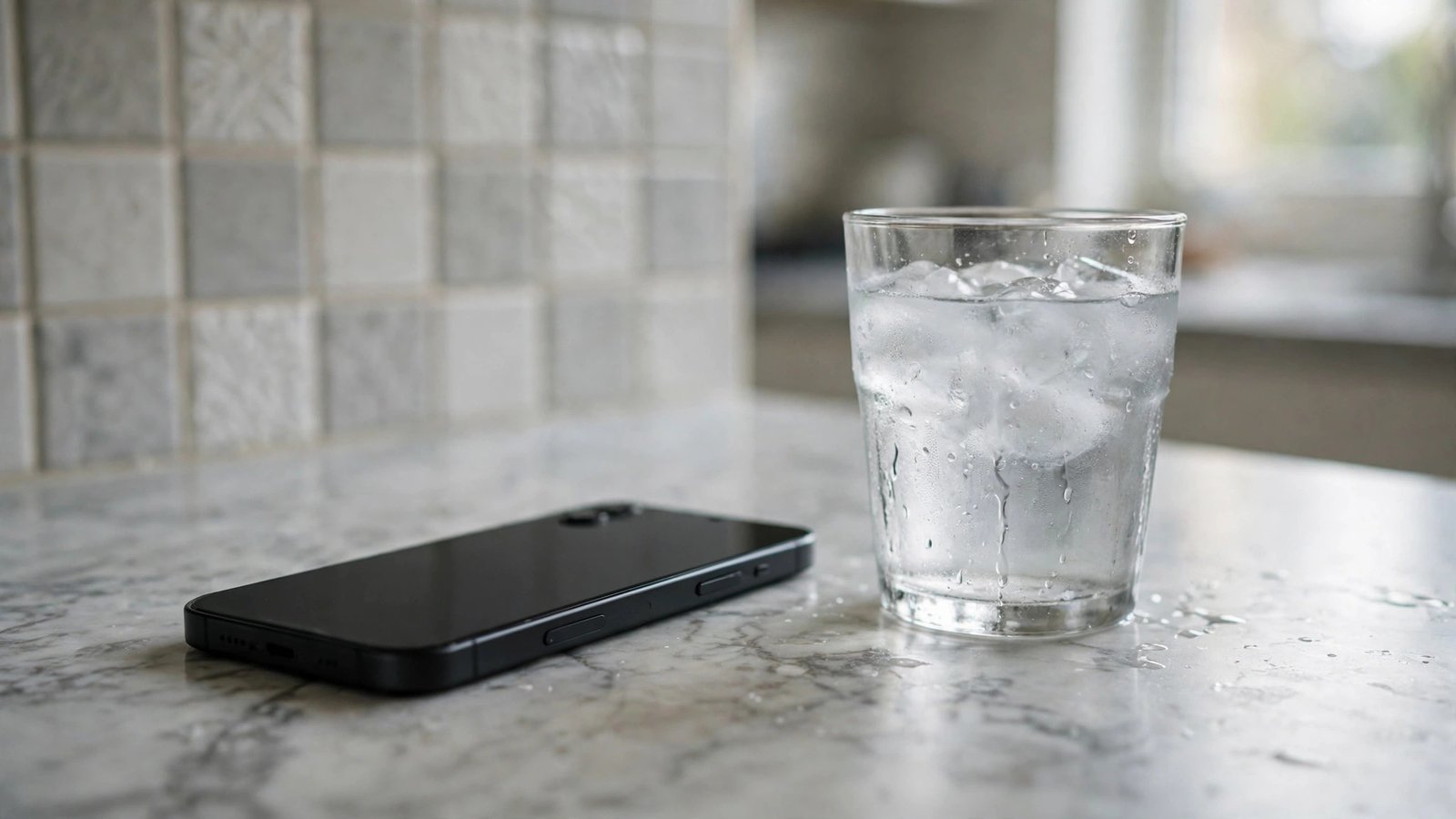
A phone baking on a couch cushion or bed has nowhere to dump its heat, because soft surfaces insulate. Move it to a hard, cool surface like a table, tile counter, or stone windowsill. The surface pulls heat away while air circulates around the phone.
A ceramic tile or marble countertop works beautifully for this. Just avoid anything wet or freezing. Room-temperature stone is the sweet spot, and your phone will cool twice as fast as it would on the sofa.
8. Switch Off 5G, Bluetooth, and Location for a Bit
Every radio your phone runs adds heat, and 5G is the hungriest of them all. Drop to 4G in your cellular settings, switch off Bluetooth, and pause location services while the phone cools. You will barely notice the difference for a few minutes.
Turn them back on once the temperature is normal. If your phone overheats constantly in the same spot, weak signal might be the cause, because the phone works overtime searching. In that case, airplane mode is your friend.
9. Never Put It in the Freezer
I know the freezer trick is tempting, but sudden cold causes condensation inside your phone, and water plus electronics is a disaster. The rapid temperature swing can also crack the screen or damage the battery permanently. It is the one cooling method that can kill your phone.
Room-temperature cooling is always the safe path. Shade, airflow, and patience beat extreme cold every time. If your phone is too hot to touch even after all these steps, power it off and let a repair shop take a look.

10. Restart It Once It Has Cooled Down
After the phone returns to normal temperature, give it a fresh restart. This clears whatever runaway process was generating heat in the background and gives you a clean slate. Hold the power button, restart, and let it boot up fully before you dive back in.
If overheating keeps happening with no obvious cause, the restart did not fix a deeper issue. Check for a swollen battery or a rogue app, and visit a repair shop if it persists. Most of the time, though, one restart ends the saga.
FAQs
Why does my phone overheat for no reason?
There is usually a reason, just not an obvious one. A runaway app, weak signal forcing the radio to work overtime, or a recent update working in the background are the usual culprits. Check battery usage in Settings to find the offender. If nothing looks wrong, a restart fixes most mystery heat.
How do I cool down an overheating phone quickly?
Shade, case off, airplane mode on, brightness down. That combination attacks every heat source at once and works in minutes. Skip the freezer and the ice pack, since rapid cooling causes condensation inside the phone. Gentle and steady wins this race every time.
Is it bad if my phone gets hot while charging?
Warm is normal, hot is not. Some heat during fast charging is expected, but if the phone is uncomfortable to hold, unplug it and let it cool. Consistently hot charging can wear the battery out faster. Try a different cable and charger, and never charge under a pillow.
Can overheating damage my phone permanently?
Occasional heat is harmless, but repeated overheating degrades the battery and can shorten its lifespan. In extreme cases, heat can damage the screen or internal components. That is why the phone shows a temperature warning and may shut itself down. Treat frequent overheating as a problem to solve, not ignore.
Why does my phone overheat in the sun even when I’m not using it?
Direct sunlight heats the phone faster than its cooling can handle, and background processes keep generating heat on top of that. A dark phone in bright sun can hit warning temperatures in under fifteen minutes. Shade is the fix, even if you are not touching it. The sun does not care that the screen is off.
Conclusion
That is the full cooldown playbook: shade, case off, radios quiet, and patience. Your phone handles heat better than you think when you give it a chance. What is the hottest your phone has ever gotten?